9 Best Crypto Apps for Beginners in 2026 (iPhone & Android)

%20(1).png)


Key takeaways
- Coinbase is the best crypto app for beginners. Cash App is the easiest if you only want Bitcoin and already have it on your phone.
- Most beginners end up with two or three apps: one to buy, one to hold, and one to track everything. That's normal, and it's fine.
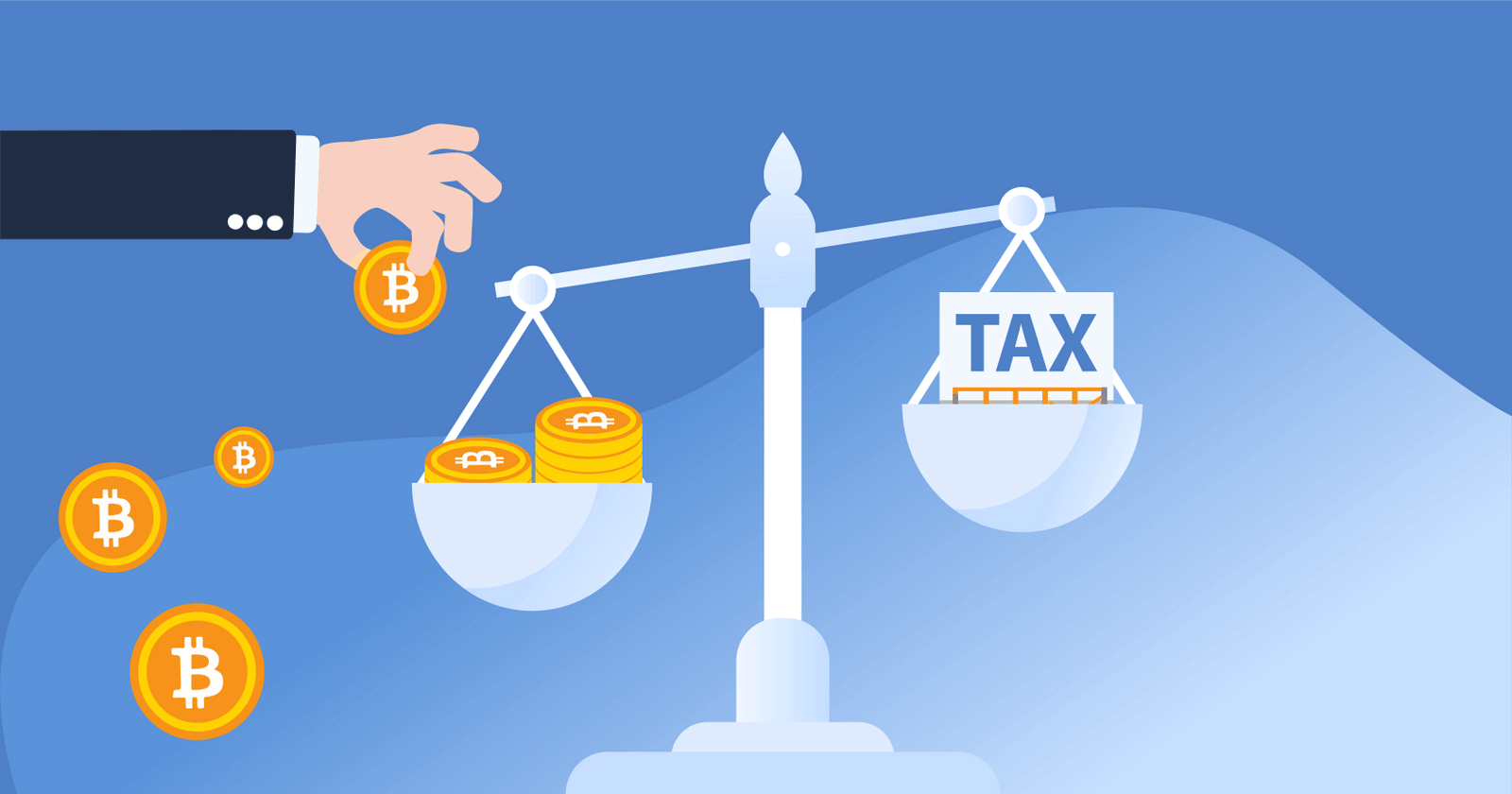
- The app you buy on reports your sales to the IRS on Form 1099-DA starting with tax year 2025. It doesn't know what you paid if you moved coins in from somewhere else.
The best crypto app for a beginner is the one that gets you from "downloaded" to "I own some Bitcoin" in ten minutes without a single confusing screen. We ranked the nine apps below on the phone experience: how fast you can fund them, how clearly they show fees, how safe they are, and how easy they are to keep using once the novelty wears off.
Quick look: the best crypto apps for beginners
The best crypto apps for beginners
Coinbase
Best overall for beginners
The Coinbase app is where most first-time buyers start, and it earns that. You verify your ID, link a bank account, and make a first buy in a handful of screens. Coinbase is a publicly traded US company, and its "Coinbase Earn" lessons pay you small amounts of crypto to learn the basics!
Fees: About a 1% spread plus a transaction fee that depends on how you pay (card purchases cost the most). Coinbase Advanced, inside the same app, starts at 0.60% and drops with volume.
Cryptocurrencies: 260+
CoinLedger rating: 4.8 stars
Why didn't Coinbase get a higher rating?: The simple buy screen is one of the pricier ways to buy. The fix is built in, but you have to know to switch to Advanced.
Pros
- Fastest path from download to first purchase
- Strong security record and public-company transparency
- Built-in lessons and a deep help center
Cons
- Simple-mode fees add up on small, frequent buys
- Support can be slow when markets are busy
CoinLedger
Best free app for tracking everything in one place
CoinLedger isn't a place to buy crypto. It's the app you open once you own some, because a beginner's coins end up spread across an exchange, a wallet, and maybe a second exchange within a few months. Connect each of them (by API or by pasting a public wallet address) and CoinLedger shows your whole portfolio, your cost basis, and your unrealized gains in one screen. When tax season arrives, the same app turns that history into the forms you need.
Fees: Portfolio tracking is free. You pay only if you download a tax report.
Cryptocurrencies: Tracks 20,000+ assets across hundreds of exchanges and wallets
CoinLedger rating: 4.7 stars
Why didn't CoinLedger get a higher rating?: You can't buy or sell inside the app. It tracks, it doesn't trade.
Pros
- One view of every exchange and wallet you use
- Cost basis follows your coins between apps
- Free until you need a tax report
Cons
- Not an exchange or a wallet
- Most useful once you have more than one account
Robinhood
Best if you already use it for stocks
Robinhood lets you buy crypto in the same app you use for stocks and ETFs. There's nothing new to sign up for and no per-trade commission, which makes it the lowest-friction start for anyone who already has the app.
Fees: No commission. A spread of roughly 0.35%–0.85% is built into the price.
Cryptocurrencies: 30+
CoinLedger rating: 4.2 stars
Why didn't Robinhood get a higher rating?: The coin selection is small, and you can only move some coins out to your own wallet.
Pros
- Crypto next to your stocks in one app
- Fractional buys from $1
- Clean, familiar interface
Cons
- Limited coin selection
- Limited transfers to self-custody wallets
See Robinhood vs. Coinbase for a head-to-head.
Cash App
Best for Bitcoin only, already on your phone
If you only want Bitcoin, Cash App is probably already installed. You buy Bitcoin from the same balance you use to pay friends, set up recurring buys, and withdraw to your own wallet, including over the Lightning Network.
Fees: Roughly 2%–3% on small one-off purchases. As of February 2026, fees are waived on Bitcoin buys over $2,000 and on recurring buys.
Cryptocurrencies: Bitcoin only
CoinLedger rating: 4.1 stars
Why didn't Cash App get a higher rating?: Bitcoin only, and small one-time buys are the most expensive on this list.
Pros
- No new account needed
- Free recurring buys
- Easy withdrawals to a self-custody wallet
Cons
- Bitcoin only
- High fees on small one-off buys
Crypto.com
Best mobile design, widest selection
Crypto.com is a mobile-first app with one of the largest coin selections available to US users and a popular rewards debit card. The design is polished and easy to learn.
Fees: Built into the spread, typically 0.5%–1% on major coins.
Cryptocurrencies: 350+
CoinLedger rating: 4.3 stars
Why didn't Crypto.com get a higher rating?: Spread-based pricing is hard to see before you confirm, and the best card rewards require locking up the CRO token.
Pros
- Excellent mobile experience
- Very wide coin selection
- Visa card with crypto cashback
Cons
- Less transparent pricing
- Rewards tied to holding CRO
Kraken
Best app to grow into
The Kraken app is almost as simple as Coinbase for a first buy, and it's the app you'll be glad you chose six months later. Its fee schedule is clearly labeled, and Kraken Pro (a separate mode) gives you some of the lowest trading fees in the US when you're ready.
Fees: About 1% on Instant Buy. Kraken Pro starts at 0.25% maker / 0.40% taker.
Cryptocurrencies: 400+
CoinLedger rating: 4.6 stars
Why didn't Kraken get a higher rating?: Two interfaces to learn, and fewer beginner lessons than Coinbase.
Pros
- Transparent, low fees
- Long track record with no major customer-fund losses
- Staking options once you're past the basics
Cons
- Pro mode is a second product to learn
- Less hand-holding than Coinbase
Uphold
Best for simple recurring buys
Uphold is built for "buy a little every week and don't think about it." Recurring buys take a few taps, and you can stake a wide range of assets from the same screen.
Fees: Spread-based, typically 1.4%–1.6% on Bitcoin and Ethereum and higher on less popular assets.
Cryptocurrencies: 300+
CoinLedger rating: 4.0 stars
Why didn't Uphold get a higher rating?: The spread is higher than Coinbase Advanced or Kraken Pro, and the "anything-to-anything" trading screen can confuse a true beginner.
Pros
- Dead-simple recurring buys
- Staking on dozens of assets
- Shows the spread before you confirm
Cons
- Higher effective fees
- Fewer educational resources
Coinbase Wallet
Best first self-custody wallet app
Coinbase Wallet is a separate app from the Coinbase exchange. It's a self-custody wallet, which means you hold the keys, but it's made by the same company, so moving coins from your Coinbase account into it takes one tap. It's the gentlest way to learn what a wallet is.
Fees: Free to use. You pay network fees when you send.
Cryptocurrencies: 1,000+ across 10+ blockchains
CoinLedger rating: 4.8 stars
Why didn't Coinbase Wallet get a higher rating?: Some investors prefer a wallet that isn't made by an exchange, and the Bitcoin features are thinner than the Ethereum ones.
Pros
- Easiest setup of any self-custody wallet
- Optional cloud backup of your recovery phrase
- One-tap transfers from Coinbase
Cons
- Made by an exchange
- Busy once you start exploring apps inside it
Confused about the two Coinbase apps? See Coinbase vs. Coinbase Wallet.
Zengo
Easiest wallet app, no seed phrase
Zengo is the wallet app for beginners whose biggest fear is losing a 12-word recovery phrase. There isn't one! Zengo splits your key into pieces using a technology called MPC, and you recover with your email, a face scan, and a backup file.
Fees: Free (paid Pro tier for extra security features)
Cryptocurrencies: Bitcoin, Ethereum, Dogecoin, and more across 10 blockchains
CoinLedger rating: 4.5 stars
Why didn't Zengo get a higher rating?: Fewer blockchains than the others here, and some security features are behind the paid tier.
Pros
- No seed phrase to lose
- Genuinely beginner-first design
- Built-in buy, sell, and swap
Cons
- Smaller selection of blockchains
- Best features cost extra
For more wallet apps, see the best crypto wallets for beginners.
What should a beginner look for in a crypto app?
Five things separate a good first app from a frustrating one.
One-tap bank linking. Plaid-style bank connection and free ACH transfers. Debit-card buys are fast but cost 3%–4%.
Fees you can see. Every beginner app shows a "simple" price with a spread inside it. The best apps either show the spread before you confirm or offer a cheaper "advanced" mode you can switch to later.
Recurring buys. Setting up $25 a week and forgetting about it is how most beginners actually build a position.
Security track record. Years of operation, no customer-fund losses, and two-factor authentication with an authenticator app. It's important to note that you should turn 2FA on the day you sign up!
Support that answers. When a transfer looks stuck at 11 p.m., you want a help center with a real answer. Coinbase's is the deepest.
For the same criteria applied to desktop exchanges, see the best crypto exchanges for beginners.
Do I need an exchange app and a wallet app?
Not on day one. Every exchange app on this list holds your crypto for you, and for your first few hundred dollars that's the simplest option.

You add a wallet app when one of two things happens: your balance grows past what you'd be comfortable losing if the exchange failed, or you want to use apps (NFTs, DeFi) that need a wallet to connect. Coinbase Wallet and Zengo are the two easiest first wallets.
Remember, once you move coins into a wallet, you have two apps with two sets of records. That's the moment a tracker like CoinLedger earns its spot on your home screen.
How much money do I need to start?
As little as $1. Every app on this list sells fractions of a coin, so the amount you start with is about what you're comfortable learning with, not about a minimum.
So, is $100 enough to start? Yes. Is $20 worth it? As a way to learn how the app works, absolutely. As an investment, the fees on a $20 card purchase can eat 5% or more, so use a bank transfer and buy a little more, a little less often.
Which crypto app is the most trusted?
Coinbase, Kraken, and Gemini have the longest records among US apps: years of operation, regulatory oversight, and no loss of customer funds to a hack. Coinbase is a publicly traded company with audited financials.
Remember, crypto in an app is not FDIC insured the way cash in your bank is. If an exchange fails, customers can wait years to get anything back, which is what happened to FTX customers in 2022. Keep balances you'd hate to lose in a wallet you control.
What's a good first crypto to buy?
Most beginners start with Bitcoin or Ethereum. They're the two largest, the most widely supported by every app on this list, and the easiest to learn about. There's no need to chase a coin you saw in a headline.
This isn't investment advice, and prices can fall as easily as they rise. If you want to understand the two, our guides on Bitcoin vs. Solana and Solana vs. Ethereum cover how the major coins differ.
Can I make $100 a day trading crypto on an app?
Not reliably. Crypto prices swing hard, and day trading with a small account usually loses money to fees and bad timing. The beginners who do well tend to buy a little, regularly, and hold.
Will the app do my taxes?
Partly. Starting with tax year 2025, US crypto apps and exchanges report your sales to the IRS on Form 1099-DA. For 2025 transactions the form shows what you sold for, but not what you paid. Full cost basis reporting only begins with coins bought on or after January 1, 2026 and held in the same app the whole time.
Buying crypto with dollars isn't taxable. Neither is holding it or moving it to your own wallet! You dispose of crypto, and owe capital gains tax, when you sell it, trade it for another coin, or spend it. For the current rates, see our guide to crypto tax rates.
If you find yourself in this situation, don't panic. You can report your own cost basis on Form 8949, as long as you have records. The easiest way to have them is to connect every app you use to a tracker from the start, so the cost basis follows your coins. For the basics, see our guide to crypto cost basis, or the complete guide to crypto taxes.
Keep every app's records in one place
Two or three apps is the normal end state for a beginner. CoinLedger connects to every app on this list, shows your whole portfolio in one place, and keeps your cost basis attached as coins move between them, so when the 1099-DA arrives you already have the number it's missing.
More than 700,000 investors use CoinLedger to track their crypto and generate a tax report in just minutes. Tracking is free, and you only pay when you download a report!
Frequently asked questions
- Which crypto app is best for beginners?


- Which crypto app is the most trusted?
- Is $100 enough to start crypto?
- What happens if I put $20 in Bitcoin?
- What's a good first crypto to buy?
- Is Coinbase Wallet the same as the Coinbase app?
- Do crypto apps report to the IRS?
- What's the best free crypto app?




.png)