8 Best Crypto Exchanges for Beginners in 2026

%20(1).png)


Key takeaways
- Coinbase is the best overall crypto exchange for beginners. Kraken is the best low-fee alternative once you're comfortable placing your own orders.
- If you already use a stock-trading app, Robinhood or Fidelity lets you buy crypto without opening a new account, but moving your coins to your own wallet is limited.
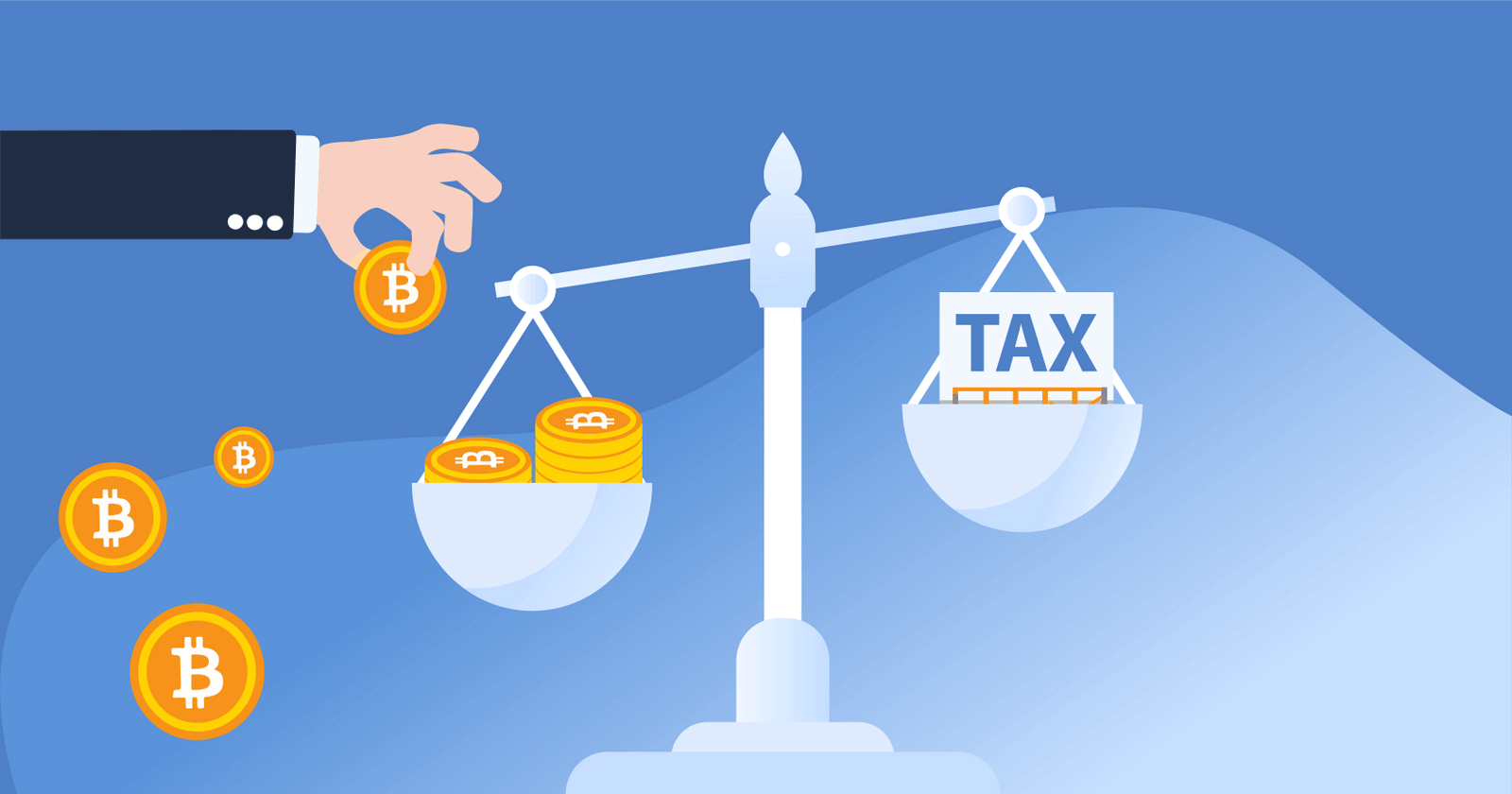
- Buying crypto with dollars isn't taxable. Selling, swapping, or spending it is, and starting with tax year 2025, US exchanges report your sales to the IRS on Form 1099-DA.
The best crypto exchange for a beginner is the one you can fund in five minutes, understand on the first screen, and trust with your money. We ranked the eight exchanges below on exactly those three things: ease of use, fees, and security track record.
Quick look: the best crypto exchanges for beginners
The best crypto exchanges for beginners
Coinbase
Best overall for beginners
Coinbase is the exchange most first-time buyers start on, and for good reason. The app walks you through identity verification, connecting a bank account, and your first buy in a few screens. It's a publicly traded US company, and its "Coinbase Earn" feature pays you small amounts of crypto for watching short lessons!
Fees: Simple buy/sell screen charges a spread of about 1% plus a transaction fee that depends on your payment method (card purchases cost the most). Coinbase Advanced starts at 0.60% per trade and drops with volume.
Cryptocurrencies: 260+
CoinLedger rating: 4.8 stars
Why didn't Coinbase get a higher rating?: The simple buy screen is one of the more expensive ways to buy crypto. Once you're comfortable, switching to Coinbase Advanced cuts your fees substantially.
Pros
- Easiest onboarding of any US exchange
- Strong security record and public-company transparency
- Coinbase Earn and a large help center for learning as you go
Cons
- Simple-mode fees add up on small, frequent buys
- Customer support can be slow during busy markets
Kraken
Best for low fees
Kraken is the exchange beginners graduate to. The standard app is nearly as simple as Coinbase, and the fee schedule is clearly labeled rather than buried in the price. When you're ready, Kraken Pro gives you a full order book at some of the lowest fees in the US.
Fees: Instant Buy charges a flat fee of about 1%. Kraken Pro starts at 0.25% maker / 0.40% taker and falls with volume.
Cryptocurrencies: 400+
CoinLedger rating: 4.6 stars
Why didn't Kraken get a higher rating?: The jump from the simple app to Kraken Pro can feel like learning a second product. Some US states have limited access to certain features.
Pros
- Transparent, low fees
- Long operating history with no major customer-fund losses
- Good staking options once you're past the basics
Cons
- Two separate interfaces to learn
- Fewer beginner education resources than Coinbase
Gemini
Best for security-first beginners
Gemini is a New York-regulated exchange known for a clean interface and a conservative approach to security. It's a good fit for beginners who care more about peace of mind than about the widest coin selection.
Fees: The standard app charges a convenience fee of roughly 1.5% on larger trades, plus a spread. ActiveTrader fees are much lower and start around 0.40% or less.
Cryptocurrencies: 80+
CoinLedger rating: 4.4 stars
Why didn't Gemini get a higher rating?: The standard app is pricey, and the coin selection is smaller than Coinbase or Kraken.
Pros
- Strong regulatory standing and security culture
- Simple, uncluttered app
- ActiveTrader is a good next step for lower fees
Cons
- Higher fees on the beginner-facing app
- Smaller selection of cryptocurrencies
Robinhood
Best if you already trade stocks
Robinhood lets you buy crypto inside the same app you use for stocks and ETFs. There's nothing new to sign up for, and there are no per-trade commissions.
Fees: No commission. A spread of roughly 0.35%–0.85% is built into the price you pay.
Cryptocurrencies: 30+
CoinLedger rating: 4.2 stars
Why didn't Robinhood get a higher rating?: Robinhood supports transfers to outside wallets for only some of the coins it sells, and the selection is small. It's a place to buy, not a place to explore.
Pros
- Buy crypto next to your stocks in one app
- No commission, simple interface
- Fractional buys from $1
Cons
- Limited coin selection
- Limited ability to move crypto to your own wallet
For a closer look at the two most popular beginner apps, see Robinhood vs. Coinbase.
Crypto.com
Best mobile app
Crypto.com is a mobile-first exchange with a huge coin selection and a popular rewards debit card. The app is polished and easy to learn, though the pricing is less transparent than Kraken's.
Fees: Fees on the app are built into the spread, typically 0.5%–1% on major coins. The separate Crypto.com Exchange starts at 0.25% maker / 0.50% taker.
Cryptocurrencies: 350+
CoinLedger rating: 4.3 stars
Why didn't Crypto.com get a higher rating?: The best rewards require locking up the CRO token, and in-app spreads can be hard to see before you buy.
Pros
- Excellent mobile experience
- Very wide coin selection
- Visa card with crypto cashback
Cons
- Spread-based pricing is less transparent
- Rewards tied to holding CRO
Uphold
Best for simple recurring buys and staking
Uphold is built around one idea: buy a little, regularly, without thinking about it. You can set up recurring buys in a few taps and stake a wide range of assets directly from the app.
Fees: Spread-based, typically 1.4%–1.6% on Bitcoin and Ethereum and higher on less popular assets.
Cryptocurrencies: 300+
CoinLedger rating: 4.0 stars
Why didn't Uphold get a higher rating?: The spread is higher than Coinbase Advanced or Kraken Pro, and the app's "anything-to-anything" trading can confuse a true beginner.
Pros
- Dead-simple recurring buys
- Staking on dozens of assets
- Transparent about the spread before you confirm
Cons
- Higher effective fees
- Fewer educational resources
Cash App
Best for buying Bitcoin only
If you only want Bitcoin, Cash App may already be on your phone. You can buy Bitcoin with the balance you use to pay friends, set up recurring buys, and withdraw to your own wallet (including over the Lightning Network).
Fees: Roughly 2%–3% on small purchases. As of February 2026, Cash App waives fees on Bitcoin buys over $2,000 and on recurring buys.
Cryptocurrencies: Bitcoin only
CoinLedger rating: 4.1 stars
Why didn't Cash App get a higher rating?: Bitcoin only, and small one-off purchases carry the highest fees on this list.
Pros
- No new account needed
- Easy withdrawals to a self-custody wallet
- Free recurring buys
Cons
- Bitcoin only
- High fees on small one-time buys
Fidelity Crypto
Best if you already have a Fidelity brokerage account or IRA
Fidelity Crypto lets existing Fidelity customers buy a handful of major cryptocurrencies inside their brokerage account. It's the lowest-friction option on this list if you're already a Fidelity customer, and it's one of the few places you can hold crypto in an IRA.
Fees: A 1% spread on every buy and sell, no separate commission.
Cryptocurrencies: Bitcoin, Ethereum, Litecoin, and Solana
CoinLedger rating: 4.0 stars
Why didn't Fidelity Crypto get a higher rating?: Only four coins, and moving crypto out to a self-custody wallet is limited compared to a dedicated exchange.
Pros
- One login for stocks, retirement accounts, and crypto
- Trusted brand with decades of custody experience
- Crypto inside an IRA
Cons
- Very limited coin selection
- Not designed for moving coins on-chain
What should a beginner look for in a crypto exchange?
Five things matter most when you're starting out.
Ease of use: Can you fund the account and make a buy without a tutorial? Coinbase, Robinhood, and Cash App win here.
Fiat on-ramp: Look for free or cheap ACH bank transfers. Debit-card purchases are fast but usually cost 3%–4%.
Fees: Every beginner app shows you a "simple" price that hides a spread. The exchanges that also offer a "pro" or "advanced" mode (Coinbase, Kraken, Gemini) let you cut those fees later without switching platforms.
Security track record: Favor exchanges with years of operating history and no customer-fund losses. It's important to note that you should turn on two-factor authentication the day you sign up!
Support and education: When something goes wrong at 11 p.m., you want a help center that answers your question. Coinbase's is the deepest.
For a comparison of the biggest US platforms on all of these factors, see our guide to the best crypto exchanges in the US.
How do crypto exchange fees work?
Most beginner-facing exchanges charge you in two ways: a spread (a small markup built into the price you see) and, sometimes, a separate transaction fee. "Pro" or "advanced" interfaces instead charge a clearly stated maker/taker fee per trade, which is almost always cheaper.

On one purchase that's a rounding error. On weekly buys for a year, it's the difference between paying roughly $260 and roughly $100 in fees! That's why the best beginner exchanges are the ones that let you grow into a cheaper mode. For the exchanges that charge the least overall, see our list of the lowest-fee crypto exchanges.
Which crypto exchange is the safest for beginners?
"Safe" means two different things: safe from hackers, and safe from the exchange itself failing. Coinbase, Kraken, and Gemini have the longest records on both counts. All three are US-based, regulated, and have never lost customer funds to a hack.
Remember, crypto held on an exchange is not FDIC insured the way cash in a bank is. If an exchange goes bankrupt, customers can get stuck in court for years. That's what happened to FTX and BlockFi customers in 2022.
A few habits keep you safe on any exchange:
- Turn on two-factor authentication with an authenticator app, not SMS.
- Never share your login with anyone who contacts you first.
- Once you're holding more than you'd be comfortable losing, move it to a wallet you control (more on that below).
Coinbase or Kraken: which is safer? Both have strong security records. Coinbase is a publicly traded company with audited financials, while Kraken has operated since 2011 without a major breach. You won't go wrong with either. For a full breakdown, see Coinbase vs. Kraken.
Is Robinhood or Coinbase better for beginners?
Robinhood is better if you already trade stocks there and want crypto exposure without learning a new app. Coinbase is better if crypto is the main event: more coins, full wallet withdrawals, and a path to lower fees through Coinbase Advanced.
The key difference is control. On Coinbase you can send any coin you buy to your own wallet. On Robinhood, outbound transfers are available for only a subset of coins.
Should I keep my crypto on the exchange?
It's fine to start there. Every exchange on this list holds your crypto for you (this is called custodial storage), and for small balances the convenience is worth it.
As your holdings grow, most investors move at least part of their crypto to a wallet they control. A self-custody wallet means no exchange failure can take your coins. It's important to remember that it also means you're responsible for backing up your recovery phrase. Our guide to the best crypto wallets for beginners walks through the easiest options, and the best crypto wallets covers the full list.
Do I owe taxes when I buy crypto on an exchange?
No. Buying crypto with US dollars is not a taxable event. Neither is holding it, or moving it from the exchange to your own wallet!
You incur taxes when you dispose of crypto. Disposals include:
- Selling crypto for dollars
- Trading one cryptocurrency for another (for example, BTC to ETH)
- Spending crypto on goods or services
When you dispose of crypto, you have a capital gain or loss equal to your proceeds (what you received) minus your cost basis (what you paid, including fees). Hold for more than a year and the gain is taxed at long-term capital gains rates, which are lower. For the current brackets, see our guide to crypto tax rates.
Here's the part most beginner guides skip. Starting with tax year 2025, US exchanges report your sales to the IRS on Form 1099-DA. For 2025 transactions, the form shows your gross proceeds but not your cost basis. Full cost basis reporting only begins with crypto bought on or after January 1, 2026 and held at the same exchange the whole time.
That means if you move crypto between exchanges or wallets, the exchange you sell on has no idea what you paid.
If you find yourself in this situation, don't panic. You are allowed to report your own cost basis on Form 8949, as long as you have records that back it up. The easy way to keep those records is to connect every exchange and wallet you use to crypto tax software from day one, so the cost basis follows your coins wherever they go.
For the complete rundown on how the IRS treats crypto, see our guide to crypto taxes.
How to keep your first year of crypto taxes simple
Every exchange on this list connects to CoinLedger. Import your Coinbase, Kraken, Robinhood, or Cash App history with a few clicks, add any wallets you move crypto to, and CoinLedger tracks your cost basis across all of them. When your Form 1099-DA arrives, you'll already have the numbers it's missing.
More than 700,000 investors use CoinLedger to generate a complete tax report in just minutes. You can track your portfolio for free, and there's no need to enter your credit card until you're ready to download your report!
Frequently asked questions
- Which crypto exchange is best for a complete beginner?


- Do I need to verify my ID to buy crypto?
- How much money do I need to start buying crypto?
- Is it safe to leave crypto on an exchange?
- Is there a better exchange than Coinbase?
- Which is safer, Coinbase or Kraken?
- Can I make $100 a day trading crypto?
- Do crypto exchanges report to the IRS?




.png)