7 Best Dogecoin Wallets in 2026 (Mobile, Desktop, Hardware)

%20(1).png)


Key takeaways
- MyDoge is the best DOGE-native mobile wallet, and a Ledger or Trezor hardware wallet is the safest home for a large stack.
- Dogecoin Core is the only full-node option, but it downloads the entire blockchain. A light wallet is the right call for almost everyone.
- Meme-coin gains are still taxable. US exchanges now report DOGE sales to the IRS on Form 1099-DA, so keep your own records as your coins move.
Dogecoin started as a joke, but the money in it is real, and so are the people trying to steal it. The best Dogecoin wallets keep your keys safe, support DOGE natively (it runs on its own blockchain, not Ethereum), and don't bury you in features you'll never use. We ranked the seven below on security, ease of use, and how well they actually handle DOGE.
Quick look: the best Dogecoin wallets
| Wallet | Type | Best for | Price | Rating |
|---|---|---|---|---|
| MyDoge | Mobile, self-custody | Best overall, built for DOGE | Free | 4.7 |
| Ledger Nano S Plus | Hardware | Best hardware wallet for DOGE | $79 | 4.7 |
| Trezor Safe 3 | Hardware | Best open-source hardware wallet | $79 | 4.5 |
| Exodus | Mobile + desktop | Best interface, pairs with Trezor | Free | 4.4 |
| Trust Wallet | Mobile, self-custody | Best free multichain wallet | Free | 4.3 |
| Dogecoin Core | Desktop, full node | Best for power users | Free | 4.0 |
| Coinbase Wallet | Mobile, self-custody | Best for Coinbase users | Free | 4.2 |
The best Dogecoin wallets
MyDoge
Best overall, built for Dogecoin
MyDoge is the wallet the Dogecoin community built for itself. It's a free, self-custody mobile app designed entirely around DOGE, with integrated tipping, a social feed, and a genuinely friendly setup flow. You hold your own keys, backed up by a standard seed phrase, and the app never overwhelms you with tokens and chains you don't care about.
Price: Free
DOGE-only or multi-coin: DOGE-focused (Dogecoin first, with a small set of add-ons)
Platforms: iOS and Android
CoinLedger rating: 4.7 stars
Why didn't MyDoge get a higher rating?: It's mobile-only, and if you hold coins beyond DOGE you'll need a second wallet.
Pros
- Built specifically for Dogecoin
- Self-custody with a simple, friendly interface
- Integrated tipping and community features
Cons
- No desktop app
- Not built for a multi-coin portfolio
Ledger Nano S Plus
Best hardware wallet for Dogecoin
The Ledger Nano S Plus keeps your DOGE keys on a secure chip that never touches the internet. You manage Dogecoin through the Ledger Live app and confirm every transaction on the device itself, which makes remote theft dramatically harder. If your stack has grown past "fun money," this is the upgrade.
Price: $79 (frequently on sale for $59)
DOGE-only or multi-coin: Multi-coin (5,000+ assets)
Platforms: Desktop and mobile via Ledger Live
CoinLedger rating: 4.7 stars
Why didn't Ledger get a higher rating?: Closed-source firmware, and it's overkill for small balances.
Pros
- Industry-standard hardware security
- Native DOGE support in Ledger Live
- Handles the rest of your portfolio too
Cons
- Closed-source firmware
- Costs money, unlike every software wallet here
See Ledger vs. Trezor for a head-to-head.
Trezor Safe 3
Best open-source hardware wallet
The Trezor Safe 3 supports Dogecoin on fully open-source hardware with a secure element, optional passphrases, and Shamir backups. You manage DOGE in the Trezor Suite app, and third-party wallets like Exodus can use the Trezor as a signing device.
Price: $79 (recently discounted to $59)
DOGE-only or multi-coin: Multi-coin (1,000+)
Platforms: Desktop and mobile via Trezor Suite
CoinLedger rating: 4.5 stars
Why didn't Trezor get a higher rating?: The two-button screen is small, and DOGE features are basic compared to a dedicated app.
Pros
- Fully open-source
- Privacy features in Trezor Suite
- Pairs with Exodus
Cons
- Small screen and buttons
- Basic DOGE feature set
Exodus
Best interface, pairs with Trezor
Exodus is the best-looking wallet on this list, with a portfolio view, charts, and built-in swaps across desktop and mobile. It supports DOGE natively, and when you're ready for cold storage it pairs directly with a Trezor.
Price: Free
DOGE-only or multi-coin: Multi-coin (250+)
Platforms: Desktop, mobile, and browser extension
CoinLedger rating: 4.4 stars
Why didn't Exodus get a higher rating?: Closed-source, and the built-in swap fees are high.
Pros
- Cleanest interface on this list
- Desktop and mobile stay in sync
- Trezor integration
Cons
- Closed-source
- Swap fees are high
Trust Wallet
Best free multichain wallet
Trust Wallet supports Dogecoin alongside 100+ other blockchains, which makes it a good pick if DOGE is one of several coins you hold and you want everything in one free app.
Price: Free
DOGE-only or multi-coin: Multi-coin (100+ blockchains)
Platforms: iOS, Android, and browser extension
CoinLedger rating: 4.3 stars
Why didn't Trust Wallet get a higher rating?: DOGE features are basic, and the app is owned by Binance.
Pros
- Huge chain and token support
- Simple send, receive, and swap
- Free browser extension
Cons
- Basic DOGE features
- Owned by a centralized exchange
Dogecoin Core
Best full-node wallet for power users
Dogecoin Core is the original Dogecoin wallet, maintained by the project's developers and listed on dogecoin.com. It runs a full node, which means it downloads and verifies the entire Dogecoin blockchain (a multi-day download that eats tens of gigabytes of disk space) and contributes to the network while it's at it. Nobody needs this to hold DOGE. Some people want it anyway, and we respect that!
Price: Free
DOGE-only or multi-coin: DOGE-only
Platforms: Windows, macOS, and Linux
CoinLedger rating: 4.0 stars
Why didn't Dogecoin Core get a higher rating?: The full blockchain download and dated interface make it the wrong choice for almost every ordinary holder.
Pros
- The reference wallet, from Dogecoin's own developers
- Full node: you verify your own transactions
- No third party anywhere in the stack
Cons
- Downloads the entire blockchain
- Dated interface, desktop only
Coinbase Wallet
Best for Coinbase users going self-custody
Coinbase Wallet is a separate, self-custody app from the exchange, and it supports native Dogecoin. If you already buy DOGE on Coinbase, it's the shortest path to holding your own keys: the interface feels familiar, and moving coins over takes minutes.
Price: Free
DOGE-only or multi-coin: Multi-coin
Platforms: iOS, Android, and browser extension
CoinLedger rating: 4.2 stars
Why didn't Coinbase Wallet get a higher rating?: DOGE support is plain send-and-receive, and the app pushes its Ethereum ecosystem features far harder than anything DOGE-related.
Pros
- Easy migration for Coinbase users
- Self-custody with cloud or manual seed backup
- Clean, familiar interface
Cons
- DOGE is clearly not the priority
- Heavier app than a DOGE holder needs
What kind of Dogecoin wallet do you need?
There are really four options, and the right one depends on how much DOGE you hold.
- Mobile wallets (MyDoge, Trust Wallet, Coinbase Wallet) live on your phone. Perfect for daily use, tipping, and balances you'd be annoyed but not devastated to lose.
- Desktop wallets (Exodus, Dogecoin Core) give you a bigger screen and, in Core's case, a full copy of the blockchain.
- Hardware wallets (Ledger, Trezor) keep your keys offline entirely. This is where a serious stack belongs. See the best cold storage wallets for more.
- Exchange accounts (Coinbase, Robinhood, Kraken) hold DOGE for you. Convenient for active trading, but you don't hold the keys, and meme coins have a way of getting delisted or restricted without much notice.
It's important to note that Dogecoin Core is the only option here that requires downloading the whole blockchain. Every other wallet on this list is a light wallet: it checks the network without storing it, and for almost everyone that's the right trade.
Where is the best place to store Dogecoin?
It depends on the size of your stack.
- Holding a meaningful amount for years: a hardware wallet. Ledger and Trezor both support DOGE natively.
- Daily use and tipping: MyDoge. It's self-custody, DOGE-native, and free.
- Small amounts you're actively trading: an exchange is fine for now. Move coins to your own wallet once the balance starts to matter to you.
Remember, an exchange holds your keys. If it freezes withdrawals, gets hacked, or restricts DOGE, your coins are stuck.
How do I choose a Dogecoin wallet?
Four questions narrow it down.
Do you hold other coins? If DOGE is your only coin, MyDoge or Dogecoin Core keeps things simple. If you hold several, a multi-coin wallet (Ledger, Trezor, Exodus, Trust Wallet) saves you juggling apps.
How much is your stack worth? Past a few hundred dollars, the $79 for a hardware wallet stops being optional and starts being cheap insurance.
Do you want tipping and community features? That's MyDoge's home turf. No other wallet here comes close.
How will you recover it? Every wallet on this list uses a standard seed phrase. Write it down on paper or metal, and never photograph it.
How do I keep my DOGE safe?
Dogecoin's community is famously friendly, which is exactly what scammers exploit. The classic DOGE scams have barely changed since 2021, and they still work!

Ignore every giveaway. "Send 1,000 DOGE, get 2,000 back" is theft with extra steps, no matter whose face is on the post. Nobody legitimate is giving away Dogecoin.
Never type your seed phrase into a website or DM. Real wallet support will never ask for it. Anyone who does is stealing from you.
Download wallets only from official sources. Fake MyDoge and fake Dogecoin Core downloads circulate constantly. Use the official app stores or dogecoin.com's links.
Move a big stack to hardware. See how to avoid crypto scams for the full checklist.
Do I owe taxes on Dogecoin?
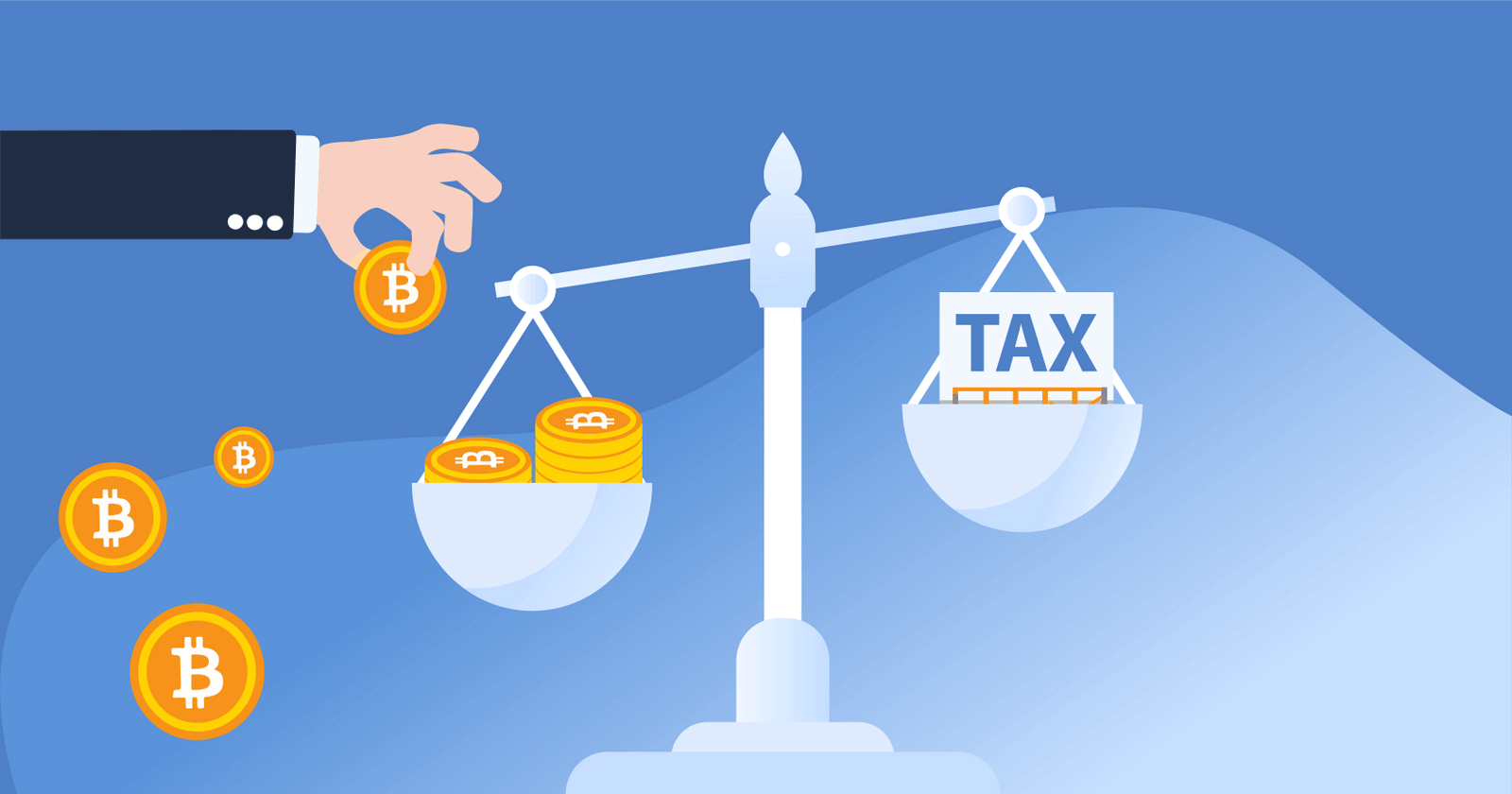
Meme-coin gains are still capital gains. The IRS doesn't care that it started as a joke! Buying DOGE with dollars isn't taxable, and neither is holding it or moving it from Robinhood to your own MyDoge wallet. You owe capital gains tax when you dispose of DOGE: selling it for dollars, swapping it for another coin, or spending it.
Starting with tax year 2025, US exchanges report your DOGE sales to the IRS on Form 1099-DA. For 2025 transactions the form shows proceeds but not cost basis, and it never knows what you paid on a different platform.
If you find yourself in this situation, don't panic. You can report your correct cost basis on Form 8949 as long as you have records. It's important to note that since 2025 the IRS expects cost basis tracked wallet by wallet, so keep the purchase record attached to your DOGE as it moves. See our full guide to Dogecoin taxes, our guide to wallet-to-wallet transfers, or the complete guide to crypto taxes. Weighing DOGE against the original? See Bitcoin vs. Dogecoin.
How do I track DOGE across wallets?
If your DOGE is split between an exchange, MyDoge, and a Ledger, you need one place that sees all three. CoinLedger's free portfolio tracker connects to wallets by public address (never your seed phrase) and to exchanges like Coinbase and Robinhood directly, and tracks your balance and cost basis per wallet. For other options, see the best crypto portfolio trackers.
Track your Dogecoin, from MyDoge to cold storage
Self-custody means you keep your own keys, and now, your own tax records. CoinLedger connects your Dogecoin wallets and your exchange accounts, follows your cost basis through every transfer, and generates the forms you need when you finally sell.
More than 700,000 investors use CoinLedger to track their crypto and file in just minutes. Portfolio tracking is free, and you only pay when you download your tax report!
Frequently asked questions
- What is the best Dogecoin wallet?


- What is the safest way to store Dogecoin?
- Is there an official Dogecoin wallet?
- What is the best Dogecoin wallet for beginners?
- Is MyDoge wallet safe?
- Do I need Dogecoin Core?
- Can I keep Dogecoin on Robinhood or Coinbase?
- Is selling Dogecoin taxable?




.png)